


Downloading a Driving License PDF online in India gives convenience to the individual to access DL without physically visiting RTO. The Ministry of Road Transport and Highways provides online services through the Parivahan Sewa portal, while DigiLocker and the mParivahan app offer options to access your digital driving licence. Depending on your state and licence records, you can download the PDF from the portal and app. Here, the step-by-step guide helps with a quick download.
Pre-requisites for Downloading Driving Licence Online
Before downloading the driving Licence, ensure you have:
- A registered mobile number linked to your Driving Licence (for OTP verification).
- Your Driving Licence Number or Application Reference Number.
- A stable internet connection.
Automate your KYC Process & reduce Fraud!
We have helped 200+ companies in reducing Fraud by 95%
Methods to Download Driving Licence PDF
Follow the steps below to download the Driving Licence:
Using Parivahan Portal
- Go to Parivahan.gov.in.
- Click on Online Services Tab
- Click on Driving Licence-related services
- Select the state
- Click on Driving License Tab
- Click on Print Driving Licence from the drop down menu
- Enter the DL number and DOB, and click on the Submit Button
- Download the PDF.
From mParivahan Portal
- Download and install the mParivahan App from the App Store.
- Register with your mobile number and log in with existing credentials.
- Select Driving Licence from the main menu.
- Enter the required details.
Through the DigiLocker Account
- Log in DigiLocker App.
- Search Driving Licence.
- Enter the required details and click on get document.
- Get a Driving Licence.
Note: All State driving licences may not be downloadable from the Parivahan portal.
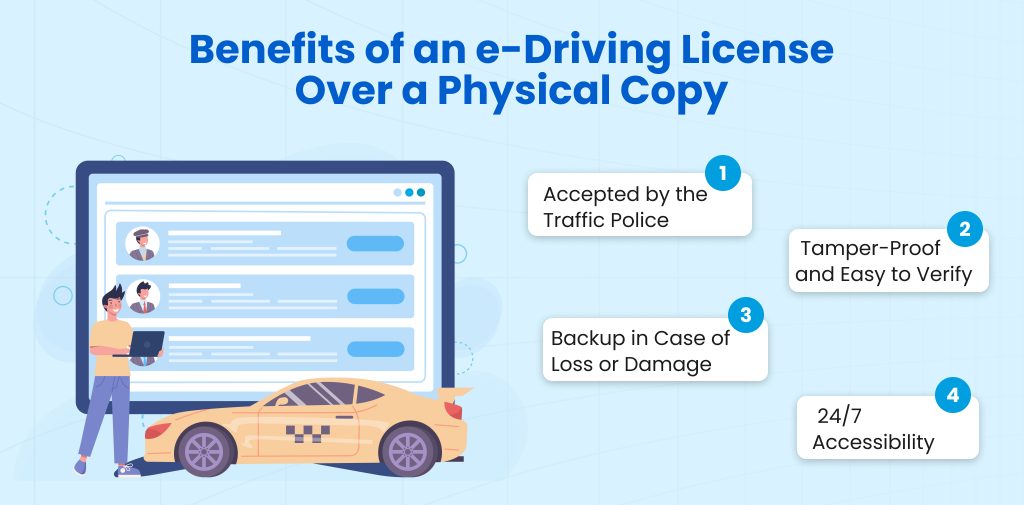
Benefits of an e-Driving Licence Over a Physical Copy
Here are some key benefits of having an e-Driving Licence:
- Accepted by the Traffic Police
Digital driving Licences are stored in apps like DigiLocker or mParivahan. It is officially recognized by the Ministry of Road Transport and Highways. You don’t have to carry a physical driving Licence. The digital copy is equally valid during police checks or roadside inspections.
- Tamper-Proof and Easy to Verify
Physical copies can be forged or altered, as the digital version is tamper-proof.
- Backup in Case of Loss or Damage
Losing physical DL can be stressful and may involve a long reissue process. The digital version serves as a quick backup.
- 24/7 Accessibility
You can access a driving Licence online anytime, anywhere, and directly from your smartphone. Whether you are traveling, commuting, or have forgotten your wallet.
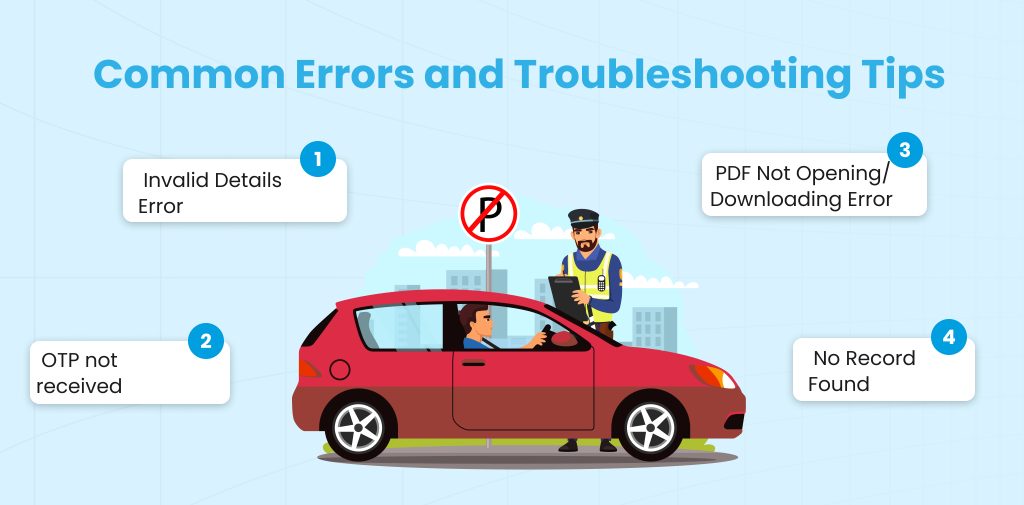
Common Errors and Troubleshooting Tips
These are troubleshooting issues you can see while driving, Licence download PDF:
- Invalid Details Error
If you fill in an incorrect driving Licence number, DOB, or typographical error. Your DL data is not yet updated in the database. To solve this issue, carefully enter the required information.
- OTP not received
Maybe your mobile number is not linked to your DL. You have a poor network/SMS delay or a wrong mobile number registered with RTO. To eliminate this issue, check the mParivahan App. If the number is incorrect or outdated, kindly request it from the RTO.
- PDF Not Opening/Downloading Error
This can happen due browser cache/cookies issue, a PDF reader not supporting the file, or a corrupted download due to a weak internet connection. In this case, use another browser and clear the cache.
- No Record Found
It can be seen that DL is still under processing, or the data has not yet been uploaded to the portal.
Conclusion
Driving Licence download PDF is a simple process. You can keep your important documents safe and easily accessible. With platforms like Parivahan, DigiLocker, and mParivahan. You can get your e-driving Licence anytime without visiting the RTO. This PDF is legally valid and tamper-proof. You can carry it conveniently wherever you travel for Driving Licence Verification. You can use it instead if a physical Driving Licence is lost or damaged.
FAQs
Ques: Which apps can I use to download a driving licence?
Ans: You can download DL from DigiLocker and the mParivahan App.
Ques: Can I download any state’s DL from the Parivahan portal?
Ans: No, driving licences issued by some states may not be available for download on the Parivahan portal.
Ques: Is a DigiLocker Licence Valid?
Ans: Yes, a DigiLocker License is valid under Rule 139 of the Central Motor Vehicles Rules.
Ques: How to check the DL no. online?
Ans: You can check the DL number online on the Parivahan portal.
Ques: How can I update my mobile number linked to my DL?
Ans: You need to visit the RTO with a valid identity proof to request for a mobile number.
Automate your KYC Process & reduce Fraud!
We have helped 200+ companies in reducing Fraud by 95%