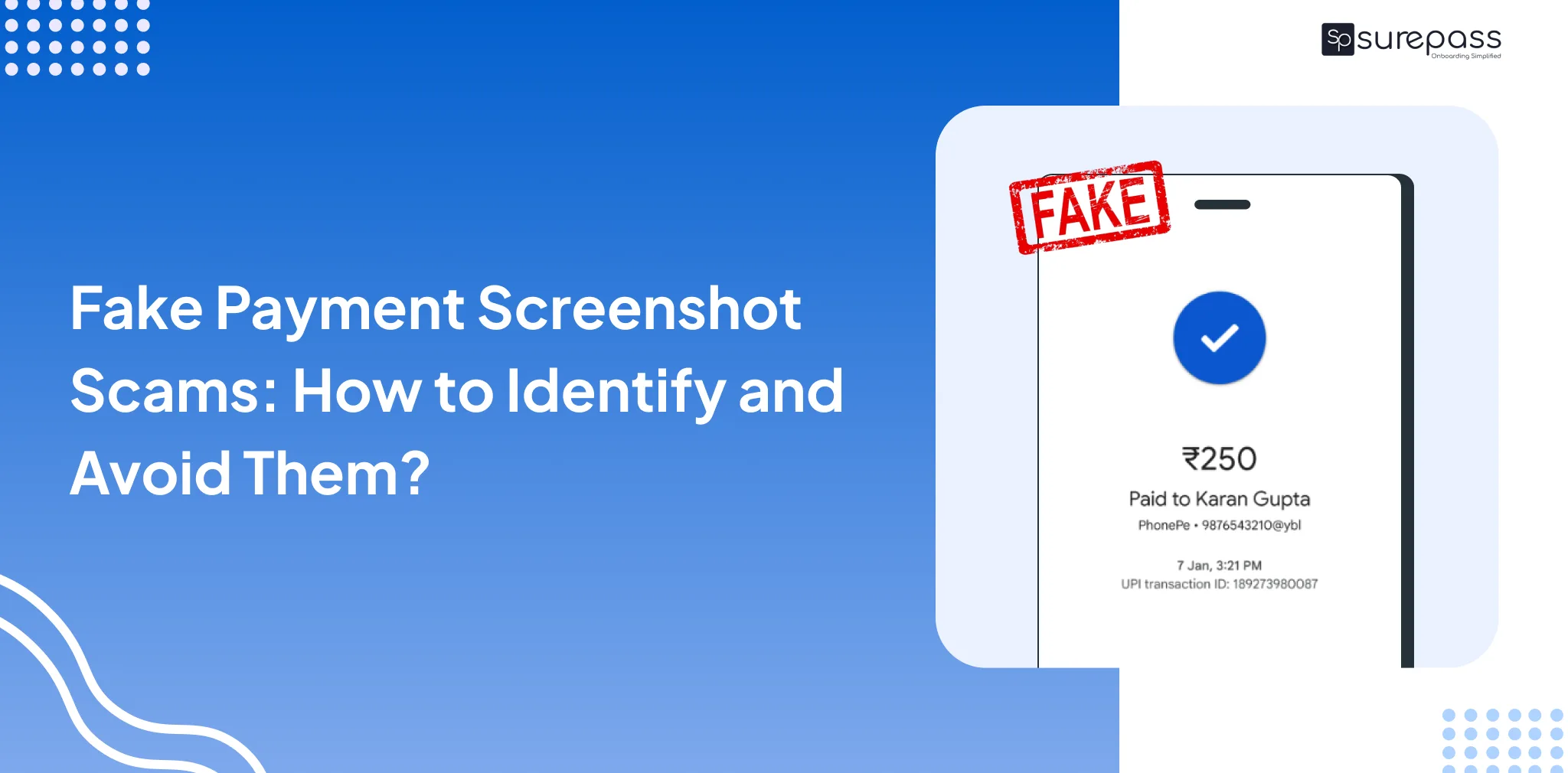
Almost every individual uses UPI, mobile wallets, and QR code transactions. Online payments are quick and eliminate the risk of cash theft. However, the need for online payments has also created new opportunities for fraud. According to RBI reports, digital payment fraud has been increasing in recent years. Now, fraudsters are using fake payment screenshots.
Businesses are struggling with this kind of digital payment fraud. This makes it essential for businesses to be aware of such scams and verify each transaction carefully. Remember that payment screenshots are not payment proof. Bank and payment app confirmation is actual proof.
What is Fake Payment Screenshot Scam?
It is a type of digital payment scam in which a person shows fake or edited payment confirmation screenshots. However, no payment is actually made. In simple words, the recipient does not receive money in their bank account or payment app.
Scammers usually use photo editing tools, fake payment apps, or modified screenshots to create realistic payment screenshots. These look exactly like real screenshots to convince the seller or service provider with a timestamp, a payment successful message, an app logo, and other details.
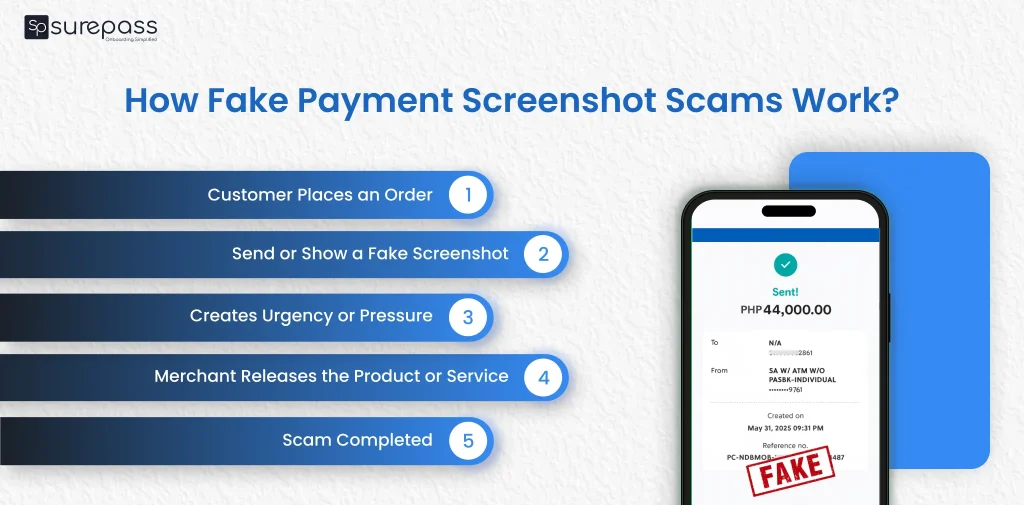
How Fake Payment Screenshot Scams Work?
Here is how fake payment screenshot scams work;
- Customer Places an Order: A scammer visits the shop or places an order online and selects a digital payment option such as UPI, Bank Transfer, or wallet payment.
- Send or Show a Fake Screenshot: Instead of online payment, the scammer creates a fake payment confirmation screenshot through editing apps or fake payment generator tools.
- Creates Urgency or Pressure: The scammer tries to rush the merchant by saying things like. The payment is already done. Please check the screenshot.” or “My network is slow; you will receive it in a minute.
- Merchant Releases the Product or Service: Based on the screenshot, the merchant gives the product, completes the order, or provides the service without confirming the payment in their bank or payment app.
- Scammers Leave Before Verification Occurs: The merchant checks the bank account or payment app and realizes that no transactions were actually received. The scammer has already left with the goods or service.
Automate your KYC Process & Reduce Fraud!
We have helped 3000+ companies in reducing Fraud by 95%
Major Warning Signs of Fake Payment Screenshots
Here are the key warning signs that indicate a fake screenshot:
- No Payment Confirmation: If the merchant does not receive a confirmation notification from the bank or payment app, the payment may not have actually been completed.
- Incorrect UPI ID: Fake screenshots contain invalid, incomplete, or randomly generated transaction or UPI IDs that cannot be verified in the payment app or bank statement.
- Poor Front or Logo Alignment: Edited screenshots frequently show misaligned logos, unusual fonts, blurry text, or inconsistent formatting that are signs of manipulation.
Common Tools Used by Scammers in Fake Payment Screenshot Fraud
Scammers commonly use photo editing or screenshot applications
- Screenshot Editing Apps: Scammers use photo editing or screenshot editing applications to manipulate genuine payment screenshots. Fraudsters use these tools to change details such as the transaction amount, date, UPI ID, or transaction status.
- Fake UPI Payment Apps: Fraudsters use fake UPI apps to create duplicate legitimate payment applications such as Google Pay, PhonePe, or Paytm. These apps have interfaces that look almost identical to real payment apps but do not process any real transactions.
- Modified APK Files: Some scammers install modified versions of legitimate payment apps (modded APKs). These help fraudsters receive money instead of the merchant.
- Payment Screenshot Generator Tools: There are many tools available online that help fraudsters generate an online payment screenshot. It creates realistic-looking transaction screens. These tools allow scammers to input details like:
- Sender Name
- Receiver UPI ID
- Transaction ID
- Payment Amount
- Date and Time
Which Businesses Are Most at Risk of Fake Payment Screenshot Fraud?
The main targets of fake payment screenshot scams are:
- Small Retailers and offline Merchants: Roadside kiosks, grocery stores, petrol pumps, and small vendors are the main targets of fraudsters.
- Online Sellers and Freelancers: Businesses operating via social media (Instagram and Facebook) or classified sites like OLX often fall for scams where “buyers” send fake payment proofs to claim goods without transferring money.
Fake Payment Screenshot Scams: Real Cases
Local Shop Fraud Case
A jewellery shop owner in Chhatrapati Sambhajinagar (Maharashtra) was cheated by two customers who used a fake UPI payment screenshot. The scammers pretended to scan the shop’s QR code and showed a successful payment screenshot on their phone. Seeing the payment screenshot, the shopkeeper handed over a gold ring and a silver bracelet worth around ₹31,000. Later, when the transaction did not appear in his bank account, he found out it was a scam. Police later confirmed that fraudsters often use fake or cloned payment apps to generate screenshots that look identical to real UPI payment confirmations.
Hotel/Service Industry Scam
This is a case from Gurgaon in which a customer used a fake screenshot via WhatsApp as proof of payment. The hotel later discovered that he had tricked them by making fake payments; ₹6 lakh worth of payments were never actually credited to their account. Police registered a cheating case against him under section 318(4) (cheating) of BNS and under relevant sections of the IT Act.
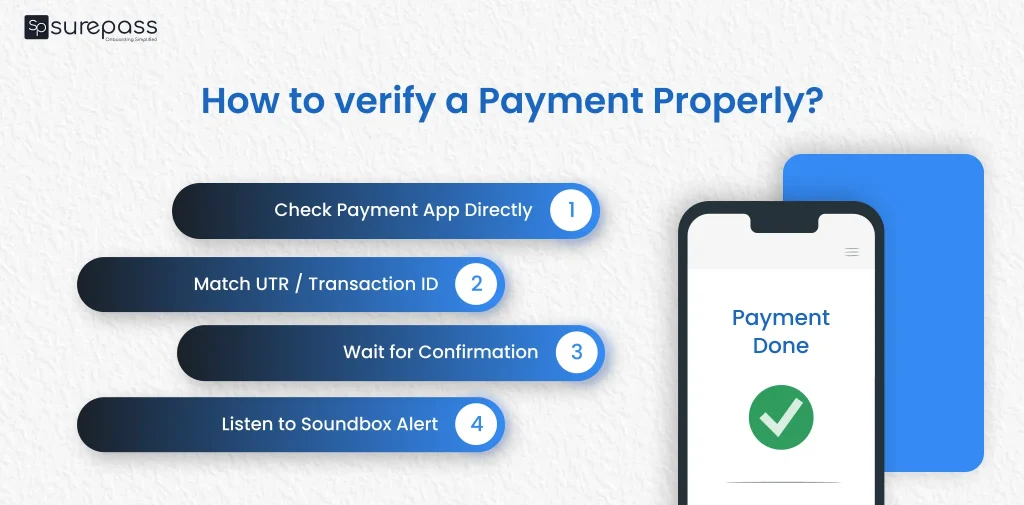
How to verify a Payment Properly?
If you want to avoid fake payment screenshot scams. You should always verify transactions using reliable and real-time confirmation methods instead of relying on screenshots:
- Check your Bank Account or Payment App Directly: Always open your UPI app or bank app (like Google Pay, PhonePe, or Paytm) and confirm whether the payment is actually received. You should verify UPI ID.
- Verify the transaction ID (UTR Number): Match the transaction ID with the payment app. A valid transaction ID is traceable in the transaction history.
- Confirm Real Time SMS or App Notification: Genuine payments may take a few seconds due to network delays, so do not give the product immediately.
- Use Soundbox or Payment Alert System: Usually, after payment, the QR soundbox gives a voice confirmation. If no transaction is made, you will not receive any voice confirmation.
Conclusion
A successful payment screenshot is proof of the transaction. Many businesses accept this as a payment confirmation before offering a product or service. However, many businesses are dealing with fake payment screenshot scams. In which receive fake screenshot from the customer. Differentiating between the real and fake is difficult. This makes it extremely important for the business to be aware of the scam and verify the UPI ID screenshot and voice confirmation.
FAQs
Ques: Is a payment Screenshot valid proof of payment?
Ans: No, it is not a valid proof. Bank and UPI app confirmation is considered valid.
Ques: How to identify a fake payment screenshot?
Ans: Check the bank and UPI account and transaction message.
Ques: What to do if you receive a fake payment screenshot?
Ans: You should report it to the cybercrime.go.in or call the cybercrime helpline – 1930.
Ques: How can I prevent fake payment screenshot fraud?
Ans: Businesses can prevent fraud:
- Verify payment in the bank account
- Use Soundbox for payment confirmation
- Maintain transaction logs
Ques: Do all UPI apps show instant payment confirmation?
Ans: Yes, most payment apps provide instant payment confirmation. However, delays can occur due to network issues.
Automate your KYC Process & Reduce Fraud!
We have helped 3000+ companies in reducing Fraud by 95%