


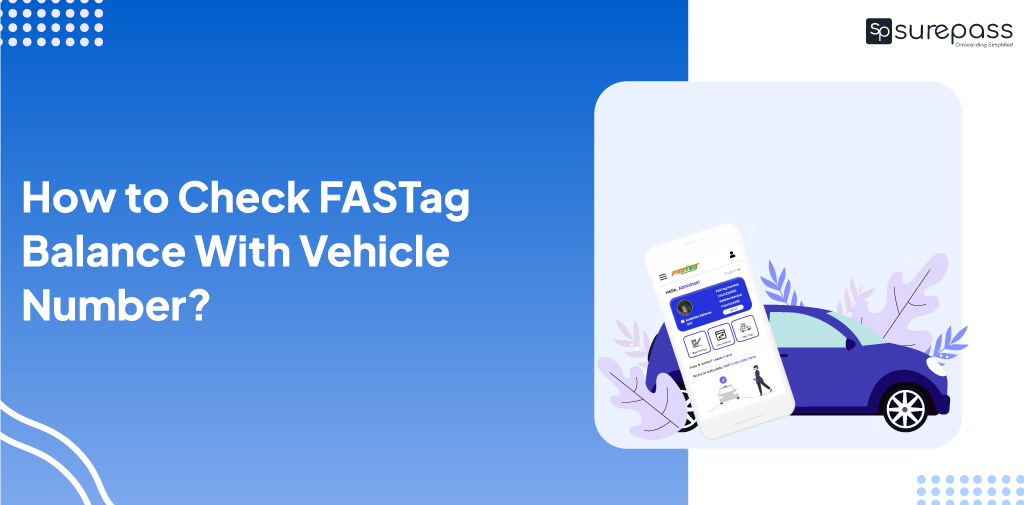
Whether you own a car, operate a commercial vehicle or manage a fleet of trucks, keeping track of your FASTag balance is necessary for uninterrupted travel. A low balance, an inactive tag or unexpected toll duration can disrupt the journey and create unnecessary delays.
You can check your FASTag balance through several methods including convenient channels, including issuing bank’s website, mobile application, and other apps. This blog helps you check FASTag balance using a vehicle number.
Methods to Check FASTag Balance with Vehicle
Businesses and individuals can check the FASTag balance using the methods listed below.
Through My FASTag APP
The official “My FASTag App” allows you to view your tag, balance, and transaction:
- Go to the NPCI NETC FASTag Page
- Enter the Vehicle Registration Number and the captcha
- Click on Submit the button
- Get the balance status.
Automate your KYC Process & reduce Fraud!
We have helped 200+ companies in reducing Fraud by 95%
How to check FASTag Balance with API?
The easy and instant way of checking FASTag Balance is using the FASTag Balance check API. It is beneficial for businesses as it helps in checking a large number of fleets at once without visiting multiple websites, apps or portals. You just need to follow these steps:
Just enter the vehicle number in the API and get the following details:
Get the following details:
- Available Balance
- Status
- Last Recharge Date
- Last Payment Mode
- Card Validity
Through Online Payment Apps
You can check FASTag balance through online payment apps, to check the balance you can follow these steps.
- Open the Paytm app on your mobile.
- Tap on “FASTag Recharge” or Search for FASTag in the search bar.
- Select your specific FASTag Issuing Bank.
- Enter your Vehicle Registration Number.
- FASTag Balance will be displayed on the screen.
You can also check this through other payment apps like PhonePe / GPay / Paytm.
Other Methods to Check FASTag Balance
Apart from the above methods user can verify their FASTag balance by other methods such as:
Via SMS alerts and Missed Calls
If you register your mobile number with the FASTag, your bank will send you SMS notifications after every transaction.
- Toll Deduction Details.
- Remaining Amount Details.
Some banks like ICICI and HDFC check their FASTag balance by making a missed call from the registered mobile number.
- HDFC Bank FASTag Users – Give a missed call to 7208053999.
- NHAI Prepaid Wallet / Common NETC – Give a missed call to +91-8884333331.
- ICICI Bank FASTag Users – Give a missed call to 8010928888.
Through Bank Websites
Apart from the above methods, individuals can also check the FASTag balance by their bank website.
Below are the steps for State Bank of India:
- Go to SBI FASTag Page.
- Click the close button of Pop up
- Enter your Mobile Number and Password
- Fill Captcha
- Click on Sign in
- Get balance details
With PhonePe you can check FASTag Balance through various banks, including ICICI, HDFC, SBI, etc.
Email and Customer Care
If your Email ID is linked or registered with the FASTag Account, you will receive transaction statements, toll statements, toll deductions, and low balance alerts via email. You can send an email to the FASTag issuer’s customer care to request a balance statement.
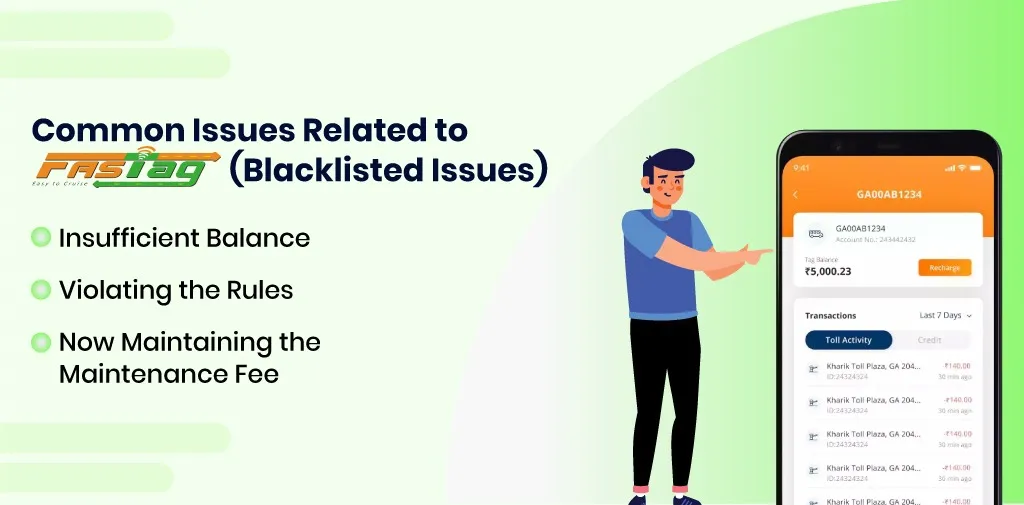
Common Issues Related to FASTag (Blacklisted Issues)
A blacklisted FASTag means that the issuing bank temporarily or permanently blocks the tag. It can not be used for toll payments. There can be many reasons behind the blacklisting of FASTag such as
- Insufficient Balance
- Violating the Rules
- Now, maintaining the maintenance fee
To solve these issues, you can recharge your FASTag account. You should also check the pending dues and clear them. If your account is still blacklisted even after the recharge and clearing dues. Kindly contact the customer support team of FASTag issuing bank. They will assist and guide you, on how you can resolve blacklisting issues.
Conclusion
Checking your FASTag balance is essential for maintaining sufficient data. It will prevent penalties and fines. You can check your FASTag Amount through NPCI, API (For Businesses), Mobile Application, Email, SMS, and Paytm. By maintaining your FASTag balance you can make a perfect budget of vehicles.
FAQs
Ques: Can we check the FASTag balance with the vehicle number?
Ans: Yes, you can check the FASTag balance with the Vehicle Number.
Ques: Can I get FASTag details by vehicle number?
Ans: Yes, you can FASTag detail by vehicle number through the NPCI website.
Ques: How do I check my FASTag balance on Google?
Ans: You can check the FASTag balance on Google through NPCI.
Ques: What are the details I need to check for FASTag Balance?
Ans: You need the vehicle number and details, mobile number
Automate your KYC Process & reduce Fraud!
We have helped 200+ companies in reducing Fraud by 95%