




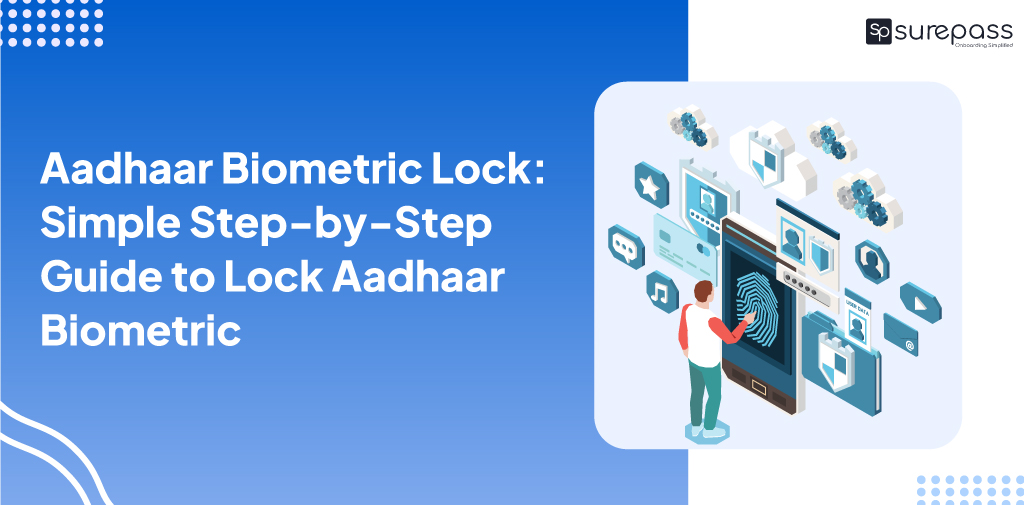
Aadhaar is an important identification issued by UIDAI to Indian citizens. It contains the name, address, and biometric data of a person. It serves as proof of identity and address. It is a mandatory document for government subsidies, financial transactions, and official services.
The Biometric Lock is a security feature that helps users lock and unlock their data such as fingerprints and Iris Scans. If you lock your Aadhaar biometric, then no one can use your data during the Aadhaar verification process and prevent unauthorized access.
This feature protects you from identity theft and ensures privacy. It provides users control over their data and reduces the risk of fraud in banking. Criminals cannot use your data for SIM Card issuance and other services.
Here, in this blog, you will learn about Aadhaar Biometric Lock and how to lock the Aadhaar biometric.
What is Aadhaar Biometric Lock?
It is a security service provided by UIDAI. It allows individuals to lock and unlock their biometric data such as fingerprints, iris scan, and face authentication linked to their Aadhaar number.
When you lock biometric data, your details cannot be used for authentication until you unlock it. This means no one can access your biometric data for the verification process.
This service will prevent unauthorized access and misuse of Aadhaar details. Now, Aadhaar holders gain control when and where Aadhaar biometrics are used.
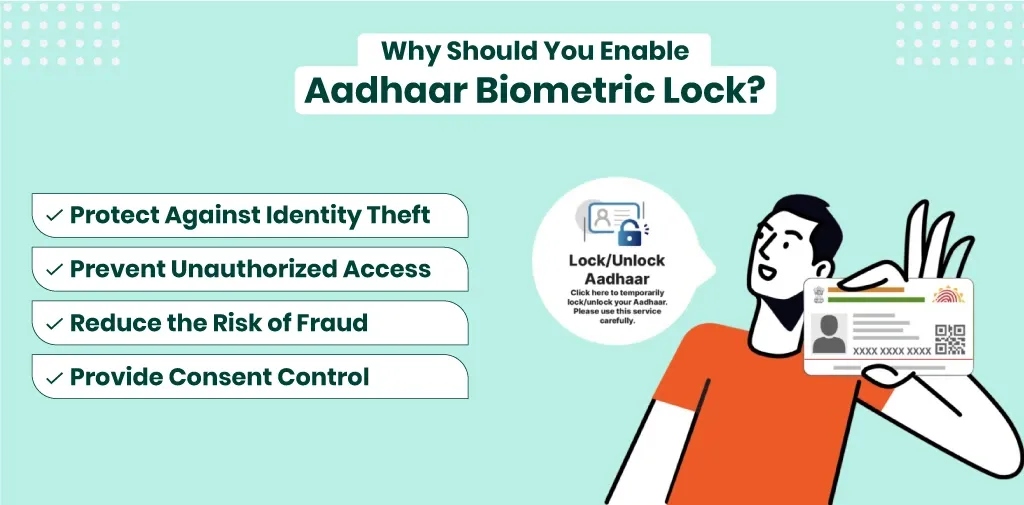
Why Should You Enable Aadhaar Biometric Lock?
There are multiple reasons why you should go for a biometric lock Aadhaar
- Prevent Unauthorized Access: It locks ensures that no one can access your biometric data for Aadhaar authentication without your consent.
- Protect Against Identity Theft: Locked Aadhaar data reduces the risk of fraudsters misusing your Aadhaar-linked biometric details.
- Provide Consent Control: It gives consent to the Aadhaar holder to lock and unlock biometric data, whenever required.
- Reduce the Risk of Fraud: It prevents misuse of Aadhaar details from financial fraud, fake accounts, and unauthorized transactions.for
How to Lock Aadhaar Biometric? Step-by-Step Guide
Here is the simple step-by-step guide and the easy methods to lock Aadhaar Biometric. But remember that to lock your biometric, you need to have a Virtual Aadhaar ID, which you can create on the UIDAI website.
Lock Aadhaar Biometric From UIDAI
- visit to the UIDAI website
- click on myaadhaar
- Under Aadhaar services
- Click on lock and unlock services
- Click on “Login”
- Enter your Aadhaar Number and Captcha
- And Click on Login with OTP
- Enter “OTP” and Click on Login
- Click on Lock/Unlock Biometric
- Click on I understand and next
- This message will appear on screen “Your Biometrics have been locked Successfully”
Through New Aadhaar App
- Open the New Aadhaar App
- Tap on Biometrics
- Tap on the biometric lock button
Through SMS
- Send an SMS on 1947, including this message:
- GETOTP <space> the last 4 digits of your Aadhaar number
- You will receive OTP on your phone.
- Again, send a message in 1947 with this message
- ENABLEBIOLOCK <space> last 4 digits of your Aadhaar number <space> 6 digit OTP
Automate your KYC Process & reduce Fraud!
We have helped 200+ companies in reducing Fraud by 95%
Error Code 330: Biometric Locked By Aadhaar Holder
If someone tries to use a biometric authentication using your Aadhaar number, an error 330 code appears, if you have locked the biometric. This security service prevents anyone including an Aadhaar holder from using biometric authentication. It will prevent unauthorized access and misuse of biometric data. Aadhaar Holders can use this service after unlocking the biometric.
When to use a Biometric Lock?
If you use your Aadhaar to access multiple services, you should lock your biometrics. This secures your biometric data and prevents misuse. Older people should use a biometric lock Aadhaar to save their sensitive biometric data from fraudsters’ access.
Conclusion
In our digital world, where we do all our work online, saving personal data is essential. It is also important to keep sensitive personal and financial documents locked. Because fraudsters can steal and misuse your biometric data. To prevent misuse of Aadhaar, UIDAI offers Aadhaar biometric lock security services.
This service gives consent to Aadhaar holders so they can lock and unlock their Aadhaar biometric Data. The locking prevents unauthorized access, identity theft, misuse of data, etc. You can follow the above-mentioned methods and simple steps to lock your Aadhaar biometric.
FAQs
Ques: How Can I Lock My Biometrics in my Aadhaar Card?
Ans: Follow these steps to lock Aadhaar Biometric
- Visit to myAadhaar.uidai.gov.in
- Select Lock/Unlock Aadhaar
- Enter the required details
- Verify OTP
- Lock Aadhaar Biometrics
Ques: What happens, if I locked Aadhaar Biometric Details?
Ans: No, one can access or use your biometric data for authentication while it’s locked.
Ques: How to Lock Aadhaar Biometric?
Ans: You can lock your Aadhaar biometric from the UIDAI website, through SMS, and on the New Aadhaar App.
Ques: Is Biometric Lock Permanent?
Ans: No, it’s a temporary lock; the Aadhaar holder has the consent to lock and unlock biometrics.
Automate your KYC Process & reduce Fraud!
We have helped 200+ companies in reducing Fraud by 95%