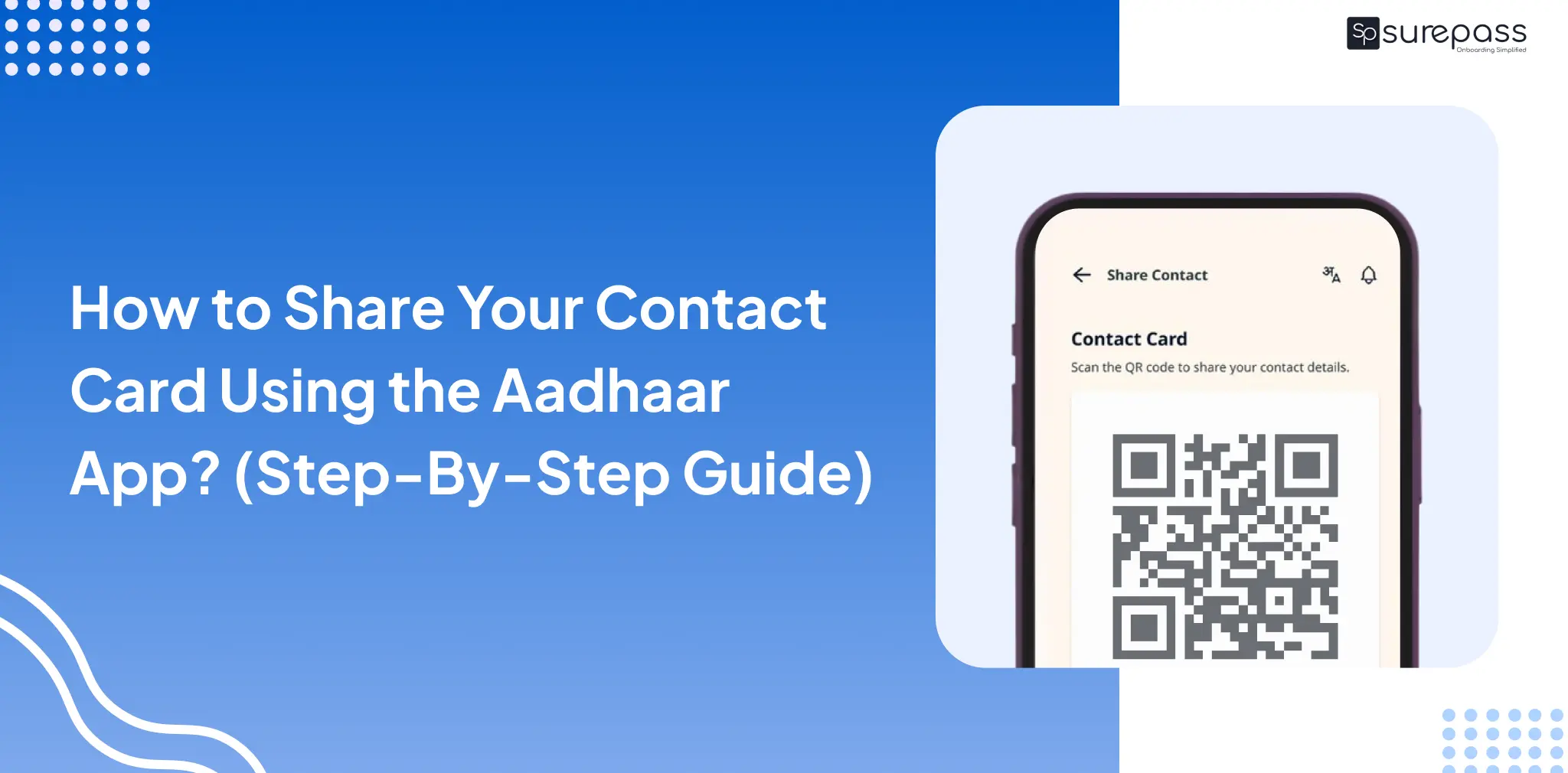
Have you ever met someone and wanted to share your contact information in a hurry? Now you can do so without any issues by share contact with Aadhaar app.
The Unique Identification Authority of India (UIDAI) has recently launched a full version of its official app. Along with basic ID services, it comes with a great new feature that lets you generate a contact card in Aadhaar app. This makes networking very simple for everyone.
Let’s see how to share contact with Aadhaar app quickly and safely. You will learn the absolute best way to share contact details without typing them manually on a keypad.
What is the Contact Sharing Feature?
Before we look at the exact steps to share contact with the Aadhaar app, let’s understand how it actually works. The new app can create a special QR code. This QR code safely holds your verified name and mobile number.
Instead of reading numbers out loud, your friends can just scan this code with their phones. Finding your contact card in Aadhaar app is very easy, especially for Android users who do not have native features like Apple’s NameDrop. Making it the smartest way to share contact details accurately.
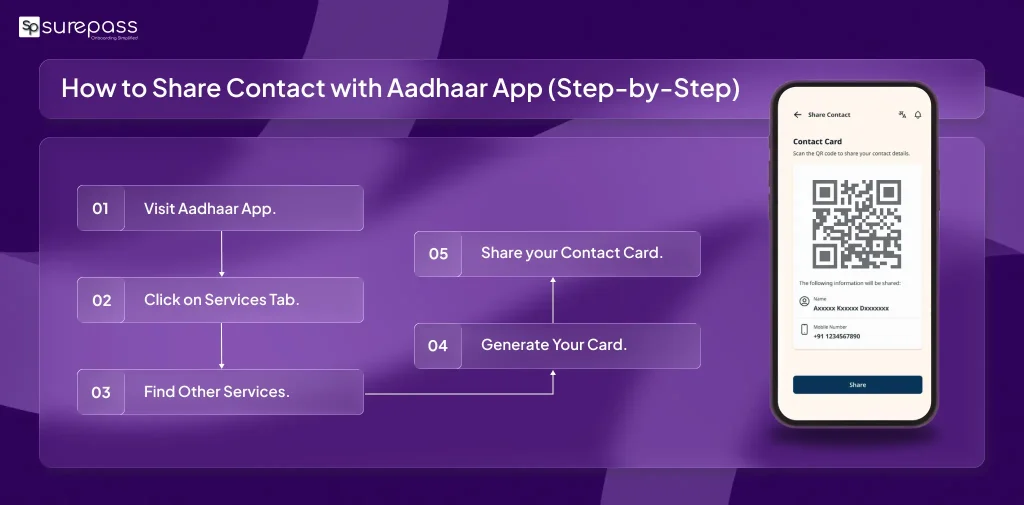
How to Share Contact with Aadhaar App (Step-by-Step)
If you want to use this new feature, just follow these simple instructions from start to finish to share contact with Aadhaar app:
- Download the App: First, go to the Google Play Store or Apple App Store, search for the aadhaar app, and download it.
- Log In: Open the app and log in. You will need to enter your Aadhaar number and your registered mobile number. You will also need to do a face scan and set a safe six-digit PIN.
- Go to Services: Once you are on the home screen, look at the bottom. Tap on the “Services” tab.
- Find Other Services: Scroll down the page until you see the “Other Services” section.
- Generate Your Card: Tap on the “Share Contact” option. The system will instantly create your contact card in the Aadhaar app as a digital QR code.
- Scan or Send: To share contact details, simply let the other person scan your QR code or you can also tap the “Share” button to send the code using WhatsApp or text messages.
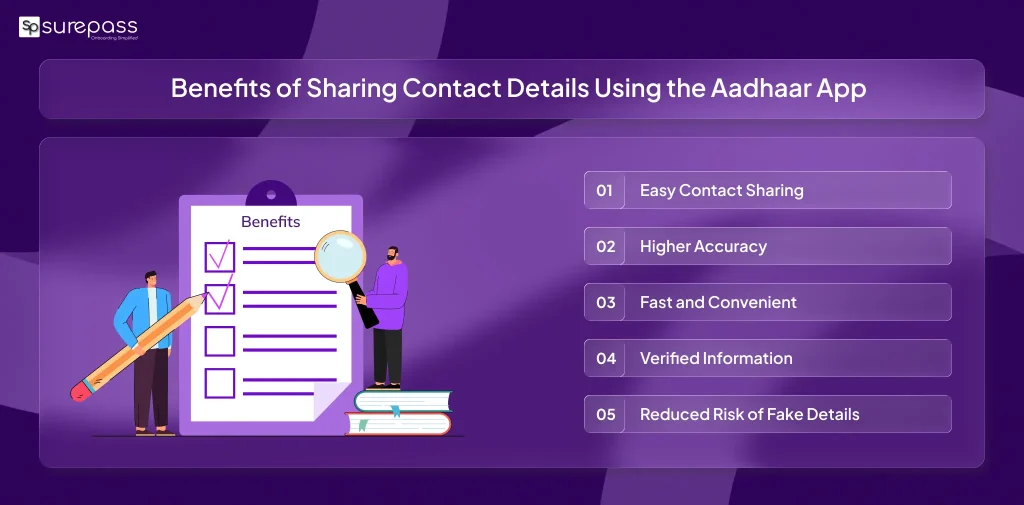
Benefits of Sharing Contact Details Using the Aadhaar App
The contact sharing feature in the Aadhaar app makes exchanging contact information simple and efficient.
- Easy Contact Sharing
Users can quickly share their contact details using a QR code instead of manually typing phone numbers or names. - Higher Accuracy
The information comes directly from your Aadhaar records, which eliminates the chances of typing mistakes and ensures the correct details are saved. - Fast and Convenient
The QR code system allows people to exchange contact details within seconds during meetings, networking events, or social gatherings. - Verified Information
Since the details are linked with Aadhaar verification managed by the Unique Identification Authority of India, the shared information is trusted and authentic. - Reduced Risk of Fake Details
Because the contact information is Aadhaar-verified, it reduces the chances of sharing incorrect or fake contact details.
Automate your KYC Process & Reduce Fraud!
We have helped 3000+ companies in reducing Fraud by 95%
Important Things to Know
When you share contact with the Aadhaar app, please remember that you cannot edit the name or the phone number. The app only uses the official, verified data that is already linked to your Aadhaar card. This rule keeps your information safe and completely true.
Conclusion
Meeting new people is fun, and saving numbers should be easy. When you use the contact card in the Aadhaar app, you save time and avoid typing errors. It is a secure, simple, and fast method. The next time you go to a meeting or party, remember to share contact with the Aadhaar app to easily share contact details with everyone you meet.
FAQs
Ques: What is the contact card feature in the new Aadhaar app?
Ans: This is a feature in the Aadhaar app that allows users to share contact details seamlessly without any errors.
Ques: Can the contact card be shared on WhatsApp?
Ans: Yes, you can share the contact card on WhatsApp.
Ques: What contact details are stored in the contact card?
Ans: The contact card stores your registered phone number and email address.
Ques: Are these contact details accurate?
Ans: Sharing contact details using the Aadhaar app sends Aadhaar-verified contact details to the receiver, making them highly accurate.
Ques: How to download the official Aadhaar app?
Ans: You can download the Aadhaar app from the Google Play Store on Android and from the Apple App Store on iOS.
Ques: Can the contact details be changed?
Ans: No, you cannot change the details in the Aadhaar app; however, you can raise a request to update your phone number, which may take up to 30 days.
Automate your KYC Process & Reduce Fraud!
We have helped 3000+ companies in reducing Fraud by 95%