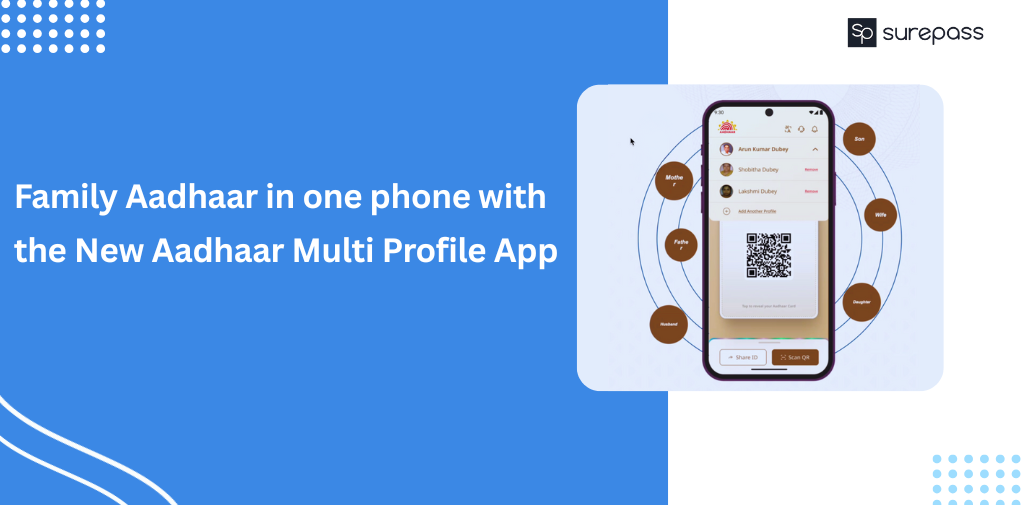
The new Aadhaar Multi Profile app offers a multi-profile management feature. It is helpful for parents and children to manage their family profiles securely. Families need this feature as everyone has a smartphone or is comfortable using digital services, and managing identities for children, elderly parents, or dependents becomes much easier when Aadhaar profiles are accessible in one place.
Can You Manage Multiple Aadhaar Profiles on One Phone?
The UIDAI’s new Aadhaar Multi Profile App offers the Me and My Family Feature. This feature allows users to add and manage up to 5 profiles. To add multiple profiles, all Aadhaar holders must have the same Aadhaar-linked mobile number required for OTP verification. So, a person can handle family Aadhaar on one phone.
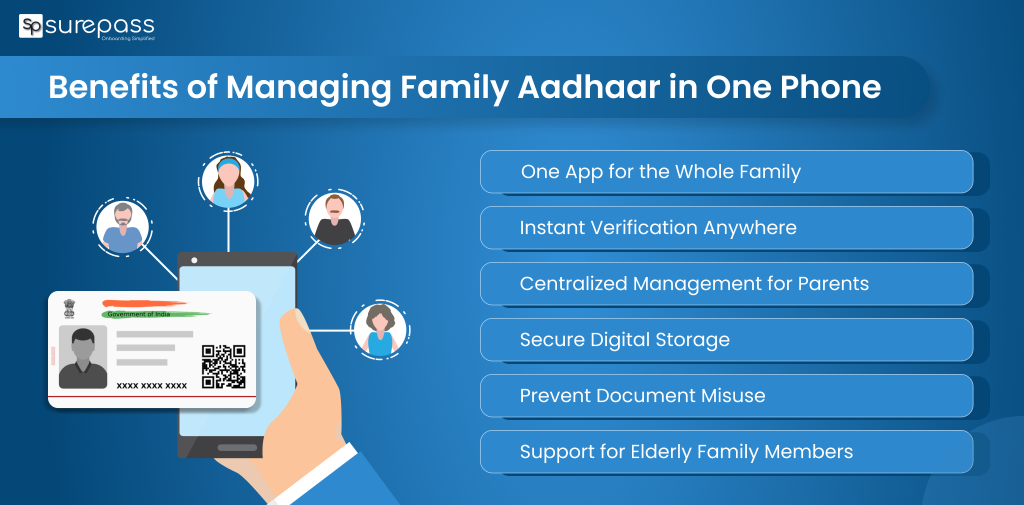
Benefits of Managing Family Aadhaar in One Phone
These are the benefits of using an Aadhaar profile in one place:
- Convenient Access for the Entire Family: The Multiple Profile Support replaces the need to carry multiple cards for family members. It is suitable for parents to manage their children’s Aadhaar or manage elderly parents. This feature is convenient during emergency hospital visits or travel bookings that require Aadhaar Authentication.
- Faster Verification: The QR scanning makes the hotels, flights, SIM activation, school admissions, hospitals, insurance, and bank KYC. No delays due to forgotten Aadhaar cards or OTP issues.
- Centralized Management for Parents: Parents can manage the Aadhaar details of minors on one phone. It is useful for school documents, passport applications, scholarship forms, etc.
- Helpful for Elderly or Non-Tech Savvy Family Members: Simplifies Aadhaar access for seniors who struggle with smartphones. The caregiver can easily retrieve Aadhaar proof when required.
- Safe and Secure Digital Storage: Aadhaar profiles can be stored in the app and are encrypted. It protects the device lock and app PIN/Biometric lock.
- Reduces Document Misuse: The digital wallet helps in avoiding the sharing of photocopies. With a masked Aadhaar or a secure QR code, it prevents the misuse of sensitive data.
Automate your KYC Process & reduce Fraud!
We have helped 200+ companies in reducing Fraud by 95%
How to Add Multiple Aadhaar Profiles in the Aadhaar Multi Profile App?
Follow this step-by-step guide to use the multiple Aadhaar profiles app:
- Download the New Aadhaar Multi Profile App from the official App store.
- Add new profile
- Add another family member (OTP required on their number)
- Scan Aadhaar QR/ enter UID
- Verification
- Profile Switching
Limits and Rules
- Maximum Number of Profiles You Can Add: An Aadhaar holder can use up to 5 profiles only. It is a limit set by UIDAI. It means you can manage profiles of family members, but not unlimited profiles.
- OTP Ownership Requirements: If someone adds Aadhaar to your Phone. You must have access to the OTP sent to their registered mobile number. It confirms that only the real owner approves adding their Aadhaar.
- Minor Aadhaar Profiles: You can add children’s Aadhaar profiles on your device. Since minors usually don’t have a phone, parents can manage their Aadhaar safely on one phone.
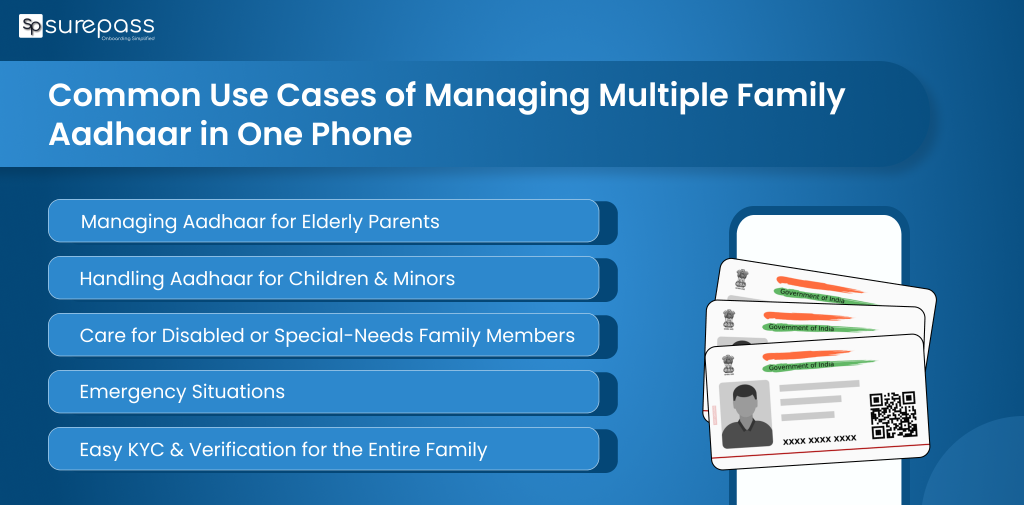
Common Use Cases of Managing Multiple Family Aadhaar in One Phone
- Managing Aadhaar for Elderly Parents Who Don’t Use Smartphones: The best use of the new Aadhaar Multi Profile App, it helps children manage the Aadhaar profiles of their parents. It eliminates the need for elderly parents to carry physical cards or remember OTPs.
- Handling Aadhaar for Children and Minors: Parents can add a minor’s Aadhaar as OTP is linked to the parents’ number. It is useful for school admissions, exams, passport applicants, and health schemes.
- Managing Aadhaar for Disabled or Special Needs Family Members: It is highly beneficial for a family that has a disabled or special who can’t manage their own profile.
Safety Tips for Managing Family Aadhaar in One Phone
Every Aadhaar holder should know and follow these safety tips:
Avoid Sharing Aadhaar PDFs on WhatsApp or Social Media
Remember that never share your full Aadhaar PDFs with anybody. The Aadhaar PDF contains the full Aadhaar information; it can be misused. Instead of PDF, you should share the Masked Aadhaar version when required.
Prefer Using Masked Aadhaar for Everyday Use
UIDAI allows downloading a masked Aadhaar. The 8 digits of the Aadhaar number are hidden. Use masked Aadhaar for:
- Hotel check-ins
- KYC submissions
- Travel
- Basic ID Verification
Lock Aadhaar Biometrics
If you want to prevent unauthorized biometric authentication. Lock them temporarily when needed.
Conclusion
Managing multiple profiles on a single device makes it easy for a person to handle identity proof securely. The new Aadhaar App offers the Me and My Family feature, which helps parents manage their children’s profiles. Even with the digitalization in on peak in media, many elders find it difficult to use phones and digital verification methods. This app helps people manage their elders’ profiles. It removes the need to carry physical identity cards and gives anytime accessibility.
FAQs
Ques: Can I add my spouse’s Aadhaar to my phone?
Ans: Yes, if you and your spouse’s Aadhaar number is linked to the same mobile number, then you can add your spouse’s phone.
Ques: Is it legal to Store Multiple Aadhaar Profiles?
Ans: Yes, it is legal to store Multiple Aadhaar Profiles.
Ques: Can I use the Aadhaar QR code for verification instead of OTP?
Ans: Yes, you can use QR code verification for hotels, airports, banks, schools, etc.
Ques: Can parents manage their children’s or minors’ Aadhaar?
Ans: Minors don’t have mobile numbers; parents can add and manage their child’s Aadhaar.
Ques: Is it safe to store family Aadhaar profiles on one phone?
Ans: Yes, Aadhaar profiles inside the app are encrypted and protected.
Automate your KYC Process & reduce Fraud!
We have helped 200+ companies in reducing Fraud by 95%