The UIDAI has launched a new Aadhaar App. It gives data control to the Aadhaar holder on how and where the Aadhaar data will be used. With the new Aadhaar App, you no longer need to carry a physical card. This app makes the verification process simple and secure for both the verifying organization and the Aadhaar Holder. Here, in this guide, you will learn simple steps to set up the new App on your device.
What You Need Before Setting Up the Aadhaar App?
You need the following things to set up the new Aadhaar App 2026:
- Mobile phone with Internet
- Aadhaar Number or Enrolment ID (EID)
- Registered mobile number (OTP)
- Valid Email (Optional)
- Biometric Ready device
Automate your KYC Process & reduce Fraud!
We have helped 200+ companies in reducing Fraud by 95%
How to set up the new Aadhaar App 2026?
Follow this simple step-by-step guide to set up the new Aadhaar App 2026.
- Download the new Aadhaar App 2026 on your device from the Google Play Store and App Store.
- Open the App and select the language.
- Input the 12-digit Aadhaar number
- Verify with OTP
- Register Aadhaar App Face Scan
- Set the PIN
Features of the New Aadhaar App
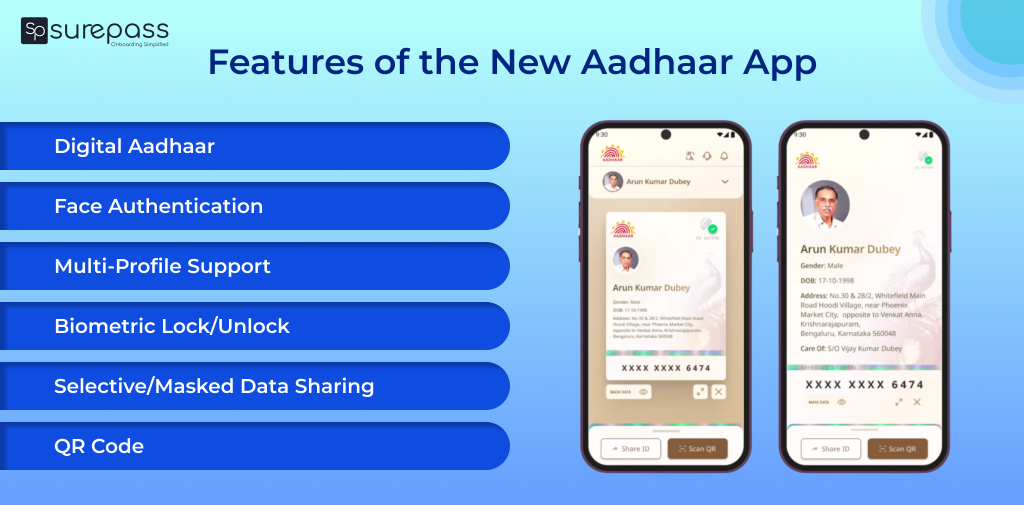
These are the features of the new Aadhaar App that make verification secure and simple:
- Aadhaar Update Feature: UIDAI has launched the Aadhaar update function within the new Aadhaar App and mAadhaar App. Aadhaar users will be able to easily change their address, name, as well as email and mobile number through these Apps.
- Digital Aadhaar: You don’t need to carry the physical card. You can store the Aadhaar on your smartphone and use it anytime.
- Face Authentication: Apart from the OTP verification, the new app uses a face authentication method to verify identity while setting up the App.
- Multi-Profile Support: You can set up to 5 profiles of family members registered with the same mobile number. It is the right solution for individuals managing the Aadhaar of their children or elderly parents.
- Biometric Lock/Unlock: You can lock/unlock biometric details with just a few taps. It prevents unauthorized access and misuse.
- Selective/Masked Data Sharing: The Aadhaar app gives the user control over what information is going to be shared with an entity for verification.
- QR Code: The new Aadhaar app eliminates the paper-based verification, as QR scan can be used to view to verify the demographic details and photograph.
- Activity Log: The App keeps a log of where and when the Aadhaar has been used. It gives better visibility and prevents misuse.
Troubleshooting Tips for the New Aadhaar App (2026)
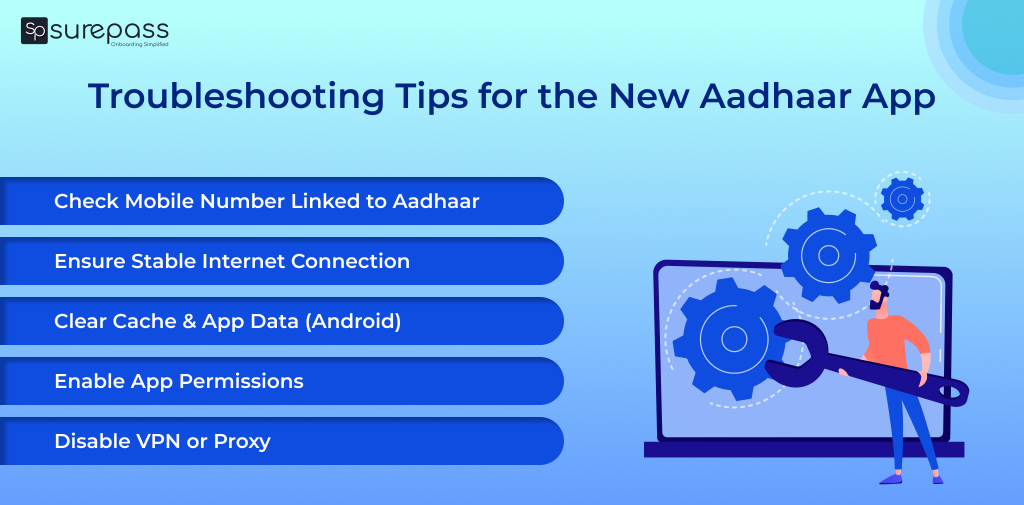
In case you face issues while setting up or using the new Aadhaar App, here are the most common problems and how to fix them:
- Face Authentication Failures: Face authentication is required on the new Aadhaar App for setting up the profile. However, you can face the issue of authentication failures. To avoid this, do face authentication in a well-lit area, and clean the camera lens for detection.
- App Not Opening: If you are using the updated version from Google Play or App Store. So, download or update the latest version of the new Aadhaar app. Clear the cache and storage of the app from the settings.
- Aadhaar is not linked to Mobile: Aadhaar link mobile number is necessary to receive OTP. Without OTP verification, you cannot set up a new Aadhaar App. You need to visit the Aadhaar Seva Kendra at the mobile number.
Conclusion
The new Aadhaar App is the game-changer for offline verification. It simplifies the verification process with QR scanning. The face authentication feature ensures that only the right Aadhaar holder gets access to the Aadhaar App. Apart from selective sharing, masked Aadhaar prevents the exposure of sensitive information. Setting up this app on your device is quite simple. Just follow the above guide. Ensure that you have an Aadhaar-linked mobile, as it is required for OTP verification while setting up the app.
FAQs
Ques: What is the new Aadhaar App?
Ans: The UIDAI has launched the new Aadhaar App to make Aadhaar verification secure, paperless, and easy.
Ques: How to set up the Aadhaar App?
Ans: Follow the simple steps to set up the Aadhaar App on a mobile device:
- Download and Install App
- Complete OTP verification and Face Authentication
- Set 6 digit security PIN
Ques: Is Face Authentication Mandatory to Set Up the New Aadhaar App?
Ans: Yes, face authentication is necessary to set up the new Aadhaar App.
Ques: Can I use the Aadhaar App without an Aadhaar Linked Mobile Number?
Ans: No, you can’t use the new Aadhaar App without Aadhaar-linked mobile number.
Automate your KYC Process & reduce Fraud!
We have helped 200+ companies in reducing Fraud by 95%